

Why Meeting Notes Often Fail
Most meeting notes are written in real time, which means they naturally follow the flow of conversation rather than a clear structure. A single document might include ideas, questions, decisions, and tasks all mixed together.
When someone revisits these notes later, they have to read everything again just to understand what actually matters. This slows down execution and increases the risk of misalignment across the team.
Without structure, notes remain informational rather than actionable.
The First Step: Summarise What Matters
The fastest way to bring clarity to messy notes is to reduce them. Instead of working with the full text, start by identifying the meeting's core outcomes.
This is where AI becomes especially useful. An AI assistant can scan through a long set of notes and generate a concise summary that highlights key discussions, decisions, and themes. Rather than manually filtering through everything, you get a focused version of the meeting right away.
The goal of summarisation is not to remove detail, but to surface what is important. Once the key points are clear, the rest of the process becomes much easier.
The Second Step: Add Structure with Headings
After summarising, the next step is organising the information. This is where headings play a critical role.
Headings create a clear hierarchy within a document. Instead of one long block of text, the notes are divided into sections that are easy to scan and understand. Readers can quickly find what they need without having to read the entire document.
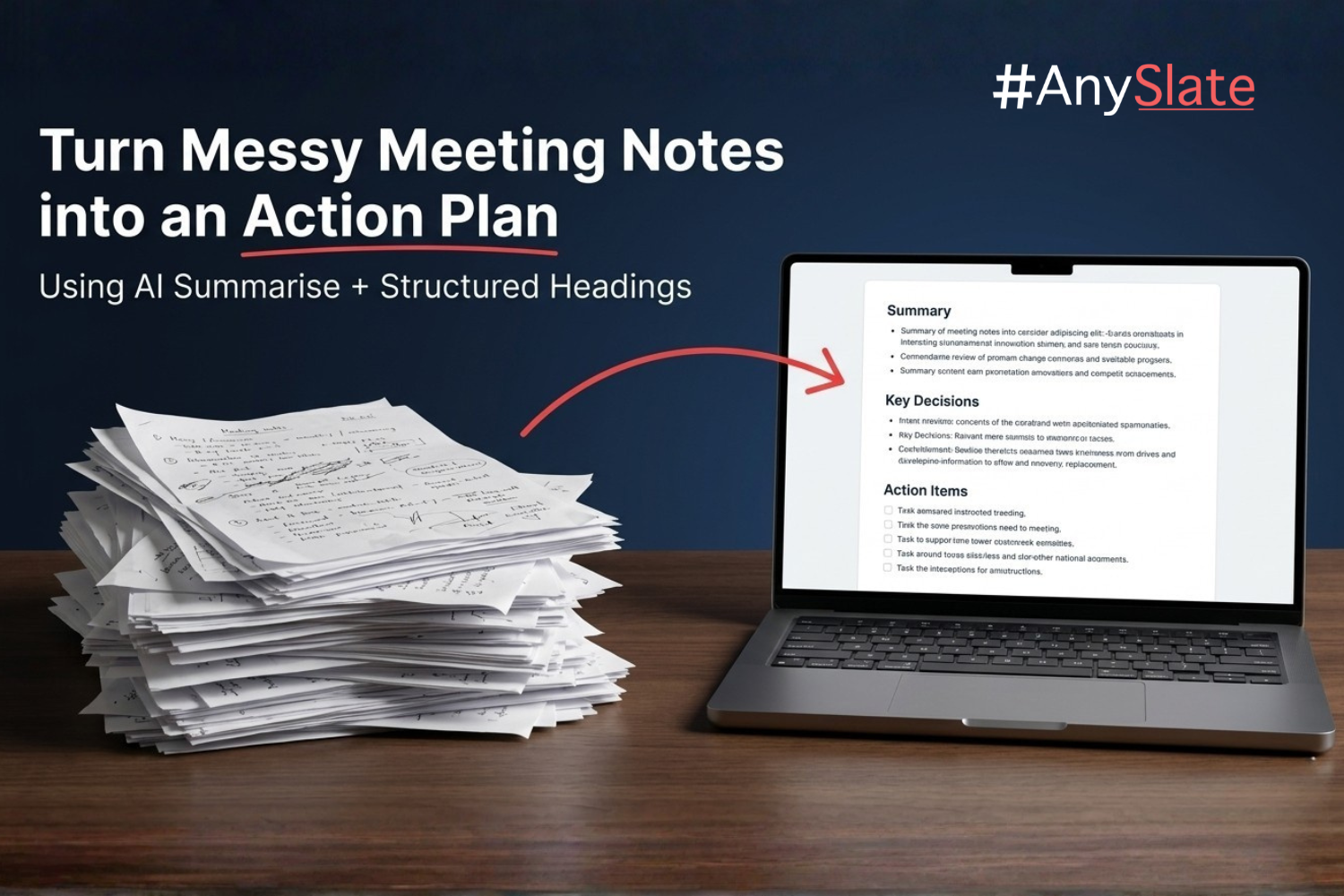
A simple structure is often enough to turn notes into an action plan. Sections such as a summary, key decisions, action items, and next steps provide clarity without adding complexity.
In a Markdown-based workspace like AnySlate, adding this structure is seamless. Headings define the document's layout while keeping the content lightweight and easy to edit.
From Notes to Action
Once the notes are summarised and structured, the transformation becomes clear. What was previously a collection of scattered thoughts now reads like a plan.
The summary provides context for anyone who was not in the meeting. Decisions are clearly documented, reducing ambiguity. Most importantly, action items stand out as specific tasks that need to be completed.
This shift changes how teams use meeting notes. Instead of being a record of what was discussed, the document becomes a guide for what happens next.
Why This Workflow Works
The combination of summarisation and structure works because it mirrors how people process information. First, they need to understand the big picture. Then, they need clarity on what actions to take.
AI helps with the first part by quickly identifying key information. Headings support the second by organising that information into a logical format.
Together, they reduce the effort required to move from discussion to execution.
A Better Way to Handle Meeting Notes
For teams that rely on frequent meetings, improving how notes are handled can significantly boost productivity. Clear action plans reduce confusion, improve accountability, and ensure that decisions lead to measurable outcomes.
Using a workspace like AnySlate makes this process part of the natural writing flow. Notes can be captured, summarised, and structured in one place, without the need for multiple tools or manual rework.
Over time, this creates a more consistent system in which every meeting produces a clear, actionable result.
Final Thoughts
Messy meeting notes are not just a minor inconvenience—they are a missed opportunity. When information is poorly structured, teams lose clarity and momentum.
By combining AI-powered summarisation with simple heading-based organisation, it becomes possible to turn any set of notes into a clear action plan. The process is straightforward, but the impact is significant.
As writing tools continue to evolve, workflows like this will become standard. Teams that adopt them early will spend less time managing information and more time acting on it.